

AIDI LAB
A clear next step for every case.
Prepare your files, review proposals and track delivery with AIDI Lab.
AIDI LAB / EXPLORE
From scan to guide.
Explore the clinical sequence, one decision at a time. This educational illustration does not replace the practitioner’s clinical judgment or the case tracking lifecycle.
Illustrative demonstration — no real patient data
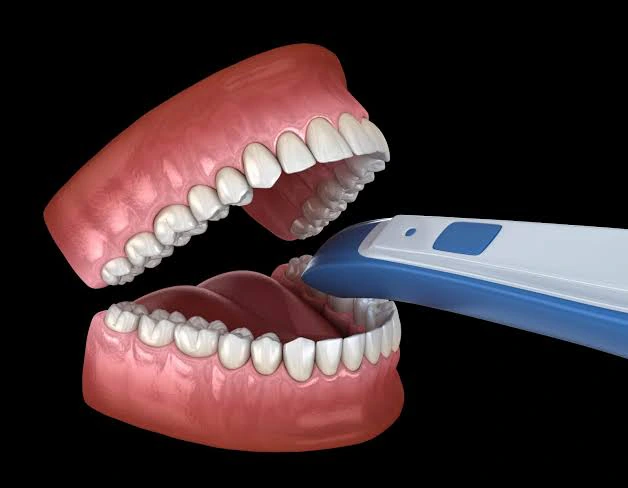
Collect the CBCT imaging and intraoral scan relevant to the case.
Illustrative output Data ready for review
Collect the CBCT imaging and intraoral scan relevant to the case.
Responsible : Practitioner
Bring the datasets together to prepare their review.
Review the digital proposal in the context of the clinical project.
Illustrate the guide shape based on the proposed plan.
The practitioner reviews the proposal and requests a revision or explicitly approves it.
The approved version provides the reference for manufacturing and checks.
The case documentation accompanies the guide to the practice.
Data ready for review
Collect the CBCT imaging and intraoral scan relevant to the case.
Responsible : Practitioner
THE WORKFLOW IN PICTURES
What each step sets out to secure.
A patient-specific guide, a stable prosthetic connection and a prosthesis refined from scans of the provisional: the film sums up what the chain aims for, step by step.
- 00:00Surgical accuracy — a guide designed for the patient
- 00:05Long-term stability — the prosthetic connection
- 00:08Fit and aesthetics — scans of the provisional refine the final prosthesis
- 00:13Case documentation — planning, impressions, radiographic check
CASE MANAGEMENT
One operational lifecycle.
These six phases describe case management in your workspace. They are distinct from the seven educational steps above; actual case status is shown in your authenticated workspace.
- 01
Submit
Open a case identified by a pseudonymous reference, describe the prescription and upload the requested files.
- Owner
- Clinic
- Verifiable outcome
- A complete case, ready for review.
- 02
Review
AIDI Lab checks the prescription and the files received, then states precisely what is missing before work starts.
- Owner
- AIDI Lab
- Verifiable outcome
- An accepted case, or an explicit list of what is missing.
- 03
Design
The digital design is produced and then frozen into successive versions, each kept exactly as it was proposed.
- Owner
- AIDI Lab
- Verifiable outcome
- An immutable, timestamped design version.
- 04
Approve
You review the proposed version, then approve it or request a revision with your reasons.
- Owner
- Clinic
- Verifiable outcome
- An approval decision, attributed and retained.
- 05
Produce
Manufacturing starts only after an explicit approval, then passes a quality check before shipping.
- Owner
- AIDI Lab
- Verifiable outcome
- A produced, inspected piece tied to the approved version.
- 06
Deliver
Shipping, receipt and case closure are all tracked, including when an incident is raised.
- Owner
- AIDI Lab and clinic
- Verifiable outcome
- A traced delivery and a closed case.
PREPARE YOUR FILES
The file list follows from your prescription.
You describe the case; the platform derives the required files and shows you that list before you upload anything. Nothing is asked for “just in case”.
Both cases below are invented for this demonstration. No patient, no practitioner and no real file appears in them.
Fictional examples · DEMO-A
Implant crown, maxillary arch
- Digital impression of the treated arch (maxillary)
The basis of the design: without it nothing can be modelled.
- Digital impression of the opposing arch (mandibular)
Lets the occlusion be checked against the opposing arch.
- Bite registration
Positions the two arches relative to one another.
- Scanbody acquisition
Locates the implant and its orientation within the impression.
This checklist is a preview. Sign in to prepare and submit a case.
Sign in to submit a case →